
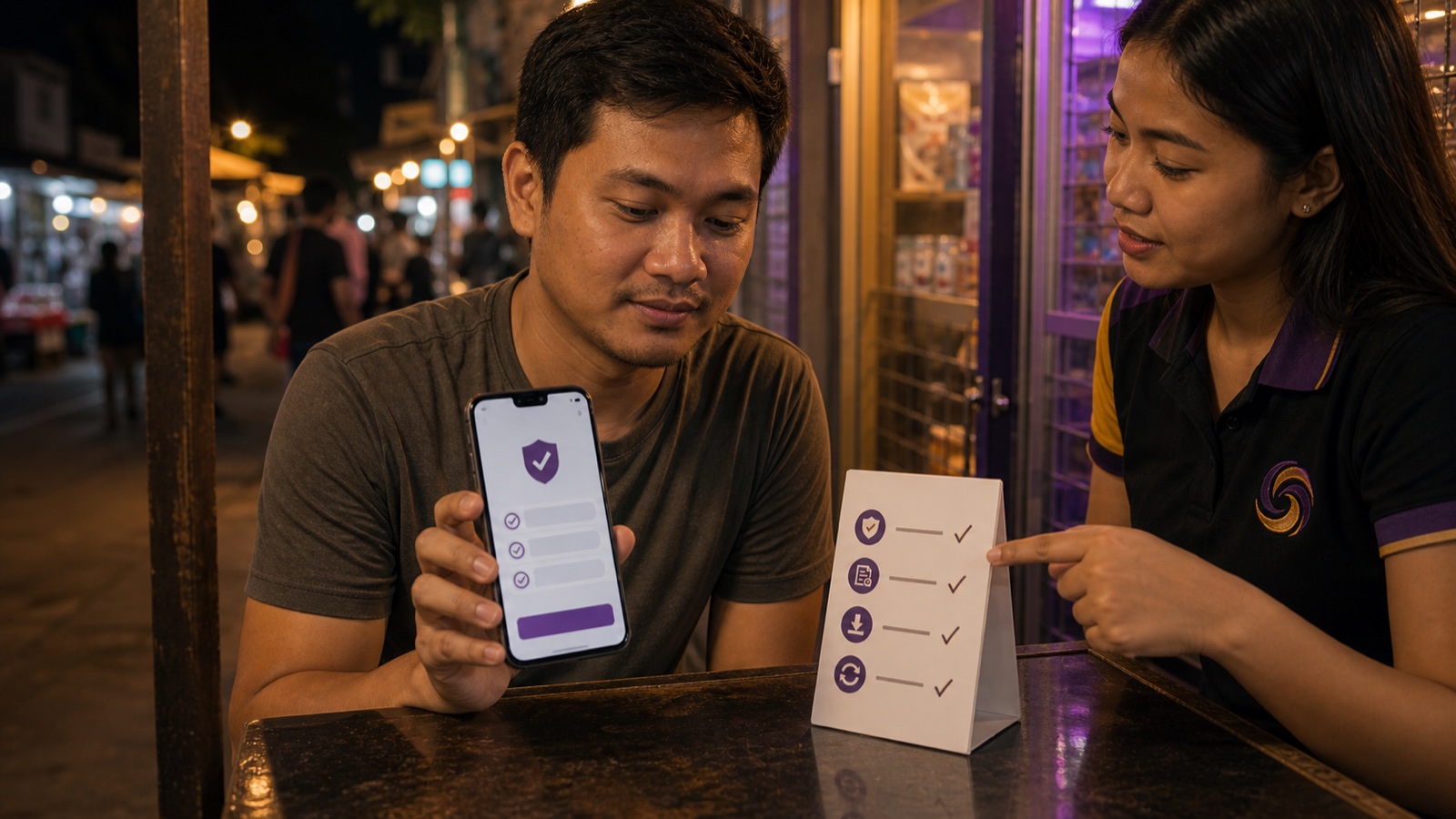
Official Route Check
Platform domain updated: August 21, 2026. The official app link now starts at www.spinex88.com/app_download. Availability and the final app destination can vary, so always begin from the official SPINEX page instead of saving an old download URL.
Before You Download
Only download from the official SPINEX site or a source confirmed by official support. APK files can be modified, so the safest habit is to treat every forwarded file as suspicious until you verify where it came from.
The SPINEX News Philippines Team treats the source check as the first step. A clean login problem is recoverable; installing a modified app with an account password is a much larger security risk.
Check source
Use the official app page on spinex88.com. Do not install a saved APK someone uploaded to a chat room.
Check permissions
If the app asks for permissions that feel unrelated, pause and confirm before installing.
Update properly
Old APK files can break login, cashier, or game loading. Use the current official route.
Browser is okay
If you are unsure, play from Chrome or Safari first. You do not need to install just to compare the site.
Android APK vs Browser
The APK is useful for regular Android players who already trust the source and want quick access. The mobile browser is better for first-time players who still want to compare promotions, payment methods, and game providers without adding an app.
For iPhone users, do not look for an Android APK workaround. Use Safari or the official iOS-supported route if one is available. A file made for Android is not meant for iOS.
Verified Official Paths
| Purpose | Official route | What to expect |
|---|---|---|
| App download | spinex88.com/app_download | The page selects the current mobile download destination. |
| Login | spinex88.com/client/login | Account and password fields plus password recovery. |
| Registration | spinex88.com/client/signup | Official account creation form and terms acknowledgement. |
Safe Install Checklist
| Before install | Why it matters |
|---|---|
| Open the official SPINEX site yourself | Short links and reposted APK files are the easiest way to end up on the wrong file. |
| Remove old unofficial APKs | Old files can keep broken cache, wrong app signatures, or outdated cashier behavior. |
| Check permissions calmly | A casino app should not need strange access unrelated to login, gameplay, or notifications. |
| Test login before depositing | If login, game loading, or cashier display is broken, solve that before adding GCash funds. |
App Does Not Skip Account Rules
Installing the app does not remove KYC, GCash name checks, withdrawal review, or bonus turnover. I see this misunderstanding often. The app is just a doorway into the account; cashier rules still apply inside the account.
If your main goal is to play JILI Super Ace, Money Coming, or Mahjong Ways, the app can be convenient. But if you are still comparing payment methods, start with the browser and read the banking guide first.
If the App Fails After Update
Do not keep installing files from different sources. Remove an unofficial copy, clear the browser download cache, restart the phone, and reopen the official app page. Use browser access while official support confirms the current Android route. On older Android devices, the browser can be more stable than forcing an incompatible APK.
App Download FAQ
Use the current official SPINEX app download route on spinex88.com rather than installing a copied APK from chat or social media. Availability and the final app destination can vary by country, network, or platform access policy.
No. APK files are for Android. iPhone users should use Safari or the official iOS-supported route if available.
Browser access is the safer default when you cannot confirm where an APK came from. The official SPINEX domain provides both the platform and the current app download route.
Yes. App access does not replace account verification, GCash account matching, withdrawal checks, or bonus rules.
Confirm the source first, remove old unofficial files, check Android security prompts, and use browser access while support confirms the current app route.