
First Thing I Check
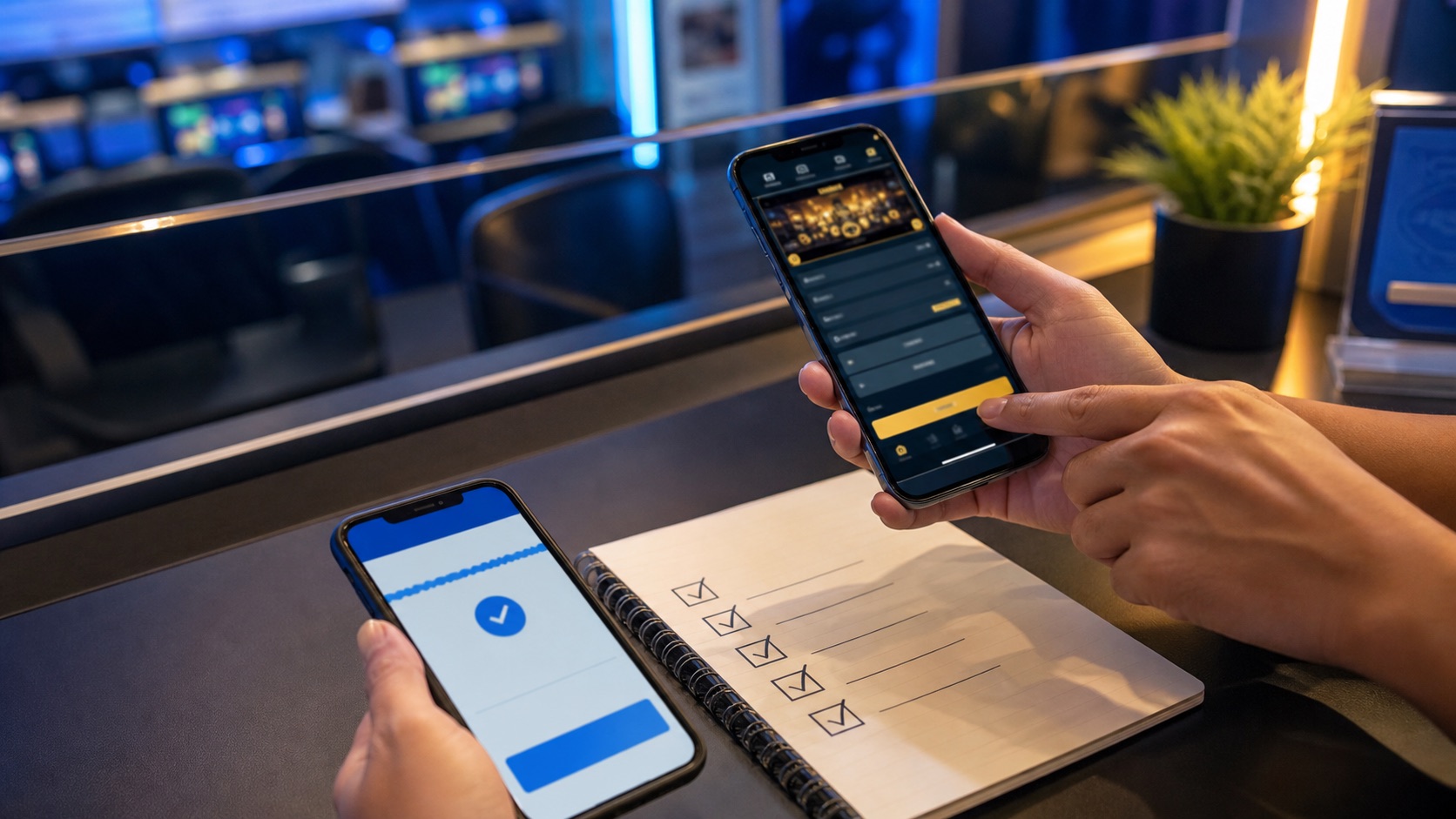
Before you open a new ticket, take one minute to check the basics. A withdrawal that looks stuck is often not broken. It may simply be waiting for a document check, a wallet check, or the payment channel to clear.
When I help a player from Manila, Cebu, Davao, or any PH province, I ask for the same simple flow first: account name, wallet name, order ID, status inside cashier, and whether any bonus was touched. That five-minute check usually tells us whether it is a real delay or just a normal review.
KYC status
First cashout is usually the slowest because the account, ID, selfie, and wallet name need to line up.
GCash name
Your SPINEX name, GCash name, and ID should be consistent. Even one wrong nickname can slow the review.
Bonus wallet
If cashback or a first deposit bonus is involved, confirm the turnover before requesting cashout.
One request
Do not submit the same withdrawal again while the first order is pending. Keep the original order ID.
Why a GCash Withdrawal May Be Pending
The most common reason is identity review. New accounts often deposit fast, play normally, then get surprised when the first withdrawal takes longer. That is normal in many online casinos because the cashier team has to confirm the owner of the account and wallet.
The second common reason is bonus turnover. Daily cashback is usually easier to clear than a first deposit bonus, but the only rule that matters is the live rule inside your account. If your balance is split between main wallet and bonus wallet, check which part is actually withdrawable.
The third one is payment timing. GCash can be fast, but wallet maintenance, channel limits, or a cashier queue can still happen. If the order is still inside the normal estimate shown by the cashier, waiting is usually better than creating duplicate requests.
My Quick Triage Order
| Check | What it tells you | What to do next |
|---|---|---|
| Cashier status | Pending, processing, rejected, or completed | Screenshot the status and keep the order ID. |
| Name match | Whether SPINEX, ID, and GCash are consistent | Ask support before creating a second account or changing wallet. |
| Bonus balance | Whether any turnover is still active | Read the current promotion rule inside the account. |
| Channel condition | Whether GCash or cashier route is temporarily slow | Wait if it is still inside the displayed estimate. |
What to Send Support
If you do need live chat, send the useful details in the first message. It saves the back-and-forth and makes you look like you know what you are doing.
- Your SPINEX username or account ID.
- The withdrawal amount and request time.
- The cashier order ID or transaction reference.
- A screenshot of the pending status, if support asks for it.
- Your GCash number with private digits masked if you are sharing outside official chat.
Message I usually suggest
Hello, can you help check my GCash withdrawal? Username: ___ / Amount: ___ / Request time: ___ / Order ID: ___. KYC was submitted and the cashier status is still pending. Please confirm if anything else is needed from my side.
When to Escalate
If the withdrawal is far past the cashier estimate, or support keeps asking for the same KYC after you already submitted it, reply with the original order ID and ask for a status check. Keep the message short and factual. Do not send your password, OTP, or full wallet screenshot to anyone outside official support.
Also check the broader GCash casino guide and SPINEX banking guide if you are not sure whether the issue is deposit, withdrawal, KYC, or bonus-related. Support moves faster when the problem is described clearly.
GCash Withdrawal FAQ
The usual reasons are KYC review, GCash-name mismatch, bonus turnover, wallet maintenance, or a cashier queue. Check the order ID and account details before opening another request.
No. Keep the first order ID and ask support about that request. Duplicate withdrawals can make the case harder to trace.
Yes. If cashback or bonus balance was used, check the live turnover and withdrawable balance inside your account before requesting cashout.
Send your username, amount, request time, cashier order ID, and a screenshot of the pending status if support asks. Never send your password or OTP.
Escalate when the request is already past the cashier estimate, KYC was submitted but not reviewed, or support keeps asking for the same detail without giving a status update.