
Official Route Check
Platform domain updated: August 21, 2026. The official login, registration, and password recovery links now point to spinex88.com. Availability can vary by country, network, or platform access policy; start from these pages or the main SPINEX navigation rather than a copied social link.
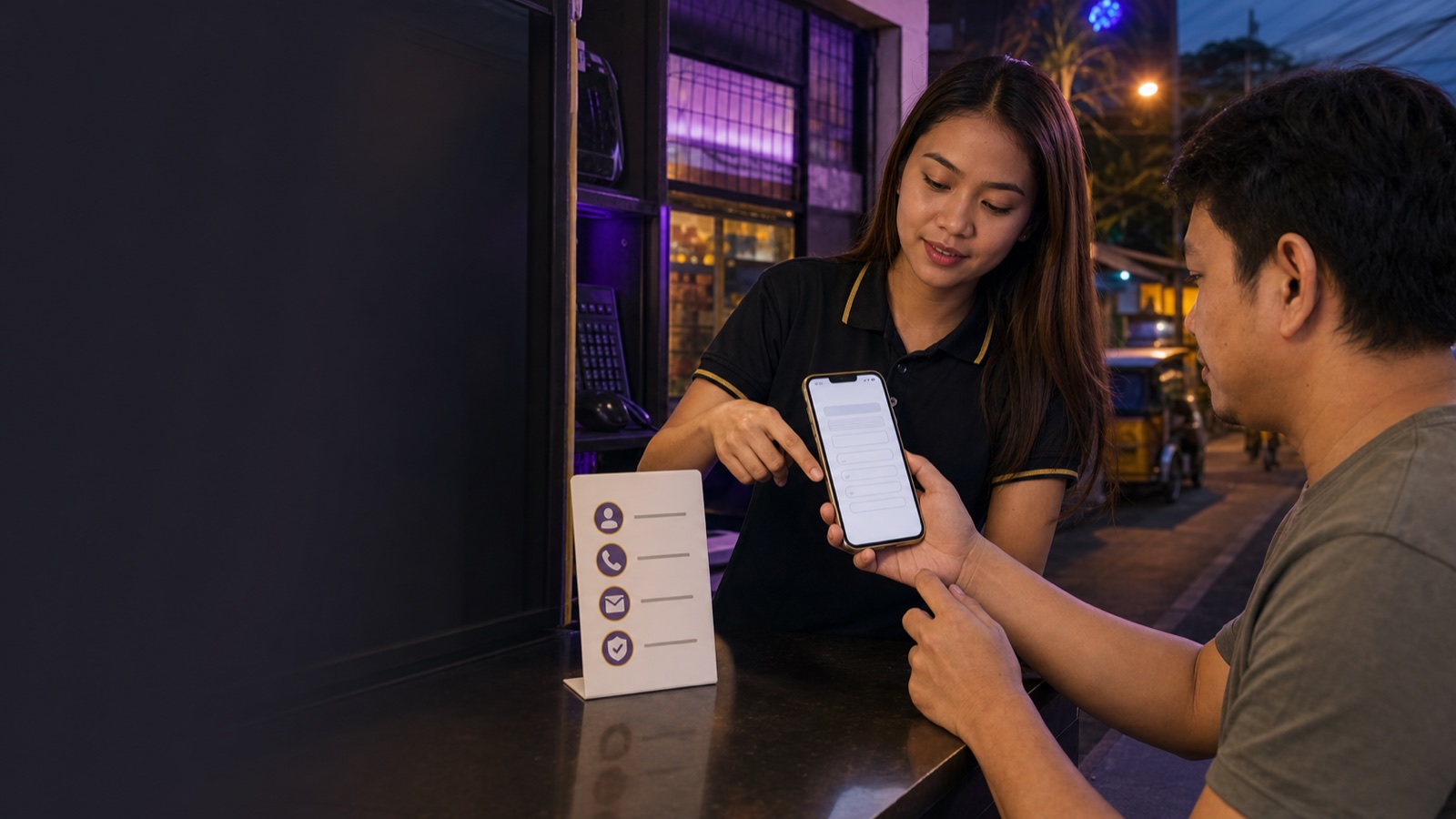
How to Register Through the Official Page
Registration is the setup for platform access, password recovery, later cashier use, and any verification requested on the account. Check each field before submitting instead of creating a second account to correct a typo.
Step 1
Open the official registration page and confirm the browser still shows the spinex88.com domain.
Step 2
Create the account name and a unique password, then enter the same password in the confirmation field.
Step 3
Enter an active email and review the referral field shown on the live form. Do not reuse a password from email, GCash, or another casino.
Step 4
Read and accept the terms only after checking the account details. Before depositing, review payment methods, bonus rules, and account security.
Login Checks Before You Panic
If login fails, first check the account name, saved password, keyboard language, and browser cache. Try the official login page in Chrome or Safari, switch between mobile data and Wi-Fi, and use a second device only if needed.
Do not send your password to any agent or support chat. Real support does not need it. If someone asks for OTP or password, stop there. Change your password if you already shared it and contact official live chat from inside the site.
Common PH Login Situations
| Situation | Likely cause | What I would try first |
|---|---|---|
| Login button does nothing | Old browser cache or weak mobile signal | Refresh, switch mobile data/Wi-Fi, then try Chrome or Safari. |
| Password keeps failing | Autofill saved the wrong account | Type it manually once, then use the official recovery page instead of repeating attempts. |
| Cannot receive code | Inactive SIM, network delay, or blocked SMS | Wait a few minutes, check signal, and use official support if it repeats. |
| Account locked or flagged | Too many attempts or security review | Stop retrying and ask live chat for the account status. |
Why Real Details Matter
A lot of players want to register quickly and fix details later. That is how the first withdrawal gets delayed. If your account name, ID, and GCash wallet do not match, the cashier team may need extra checks before releasing funds.
If you made a typo during registration, do not create a second account right away. Ask support what to do. Duplicate accounts can cause more trouble than the original typo.
The same applies to agent links. If you came from an active local promoter, make sure the registration page is still the official SPINEX page before entering details. Good agents can guide you, but the account itself should still be created and recovered through official SPINEX channels.
Before Your First Deposit
After registration, I suggest checking three pages before adding money: banking methods, cashback rules, and withdrawal troubleshooting. It is not exciting reading, but it prevents the usual first-week problems: bonus confusion, wrong wallet, and not knowing what support needs when a cashout is pending.
Login and Register FAQ
Open the official registration page on spinex88.com and follow the live form. Keep the account contact details active because they may be needed for verification, recovery, cashier checks, or support.
Use the official password recovery page at spinex88.com/client/password/new or official live support. Never send an old password, OTP, or full phone screenshot to an agent or social chat.
Saved passwords, cache, VPN, weak signal, or browser settings can cause this. Try mobile data, a clean browser session, and the official login page.
If KYC is available or requested, finish it early. It is better to clear verification before the first serious withdrawal.
Do not create a second account right away. Ask official support how to correct the detail because duplicate accounts can create withdrawal problems later.